
REMOTE WORK SECURITY
A remote employer wants to manage your personal device: what to ask before you enrol
A personal-device policy can protect employer data, but it can also affect a device you use for banking, family photos and private accounts. Understand the permission boundary before clicking enrol.
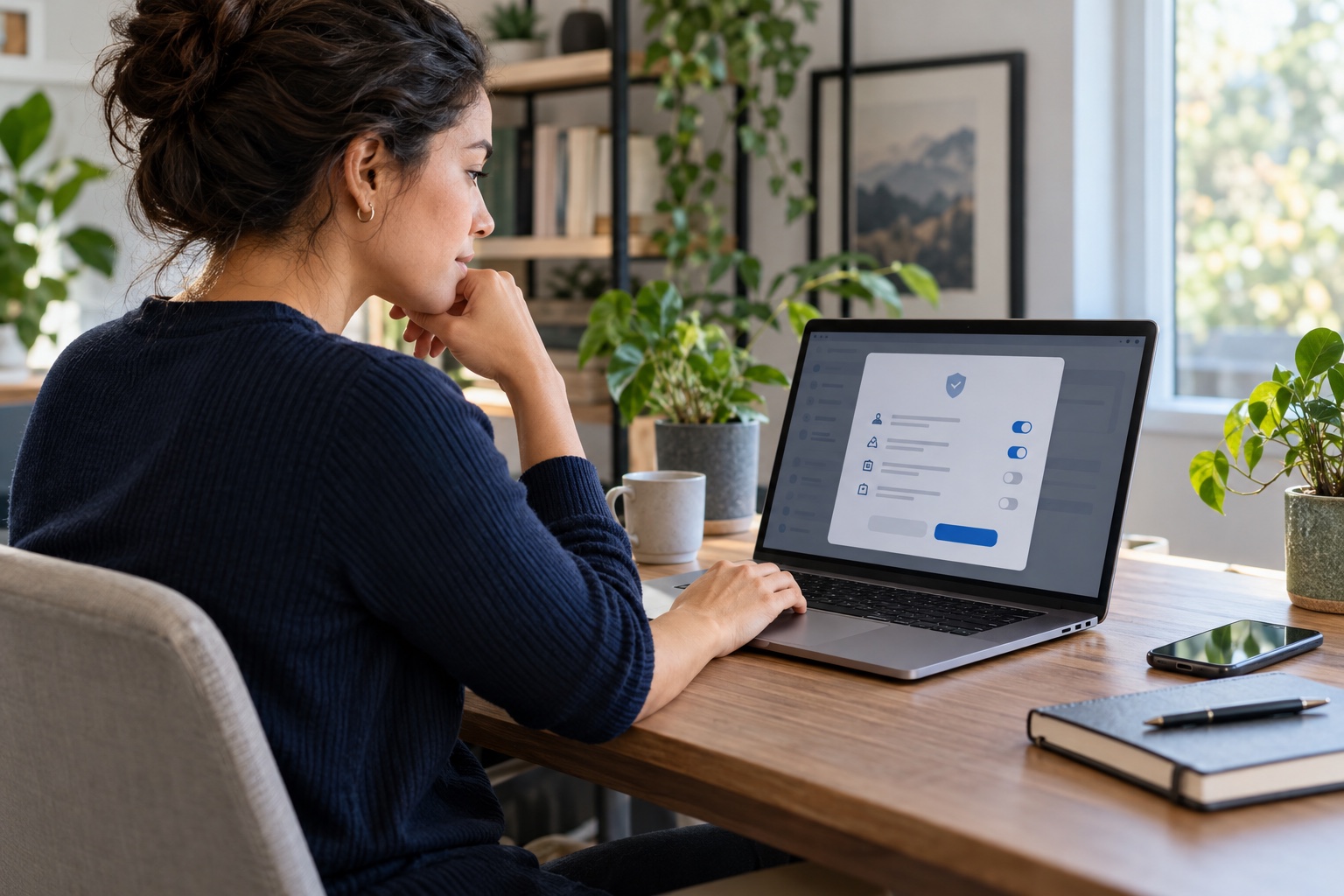
Separate access to a work service from management of a personal device
Opening a company email account in a browser, installing an approved app, enrolling a device in management software and granting administrator access are different actions. They can create very different levels of access, visibility and control. Ask what is actually being installed and which permissions it needs rather than treating every onboarding prompt as routine.
CISA guidance notes that personally owned devices used for work need appropriate configuration and security features. That is a reason for a clear policy, not a reason to accept an unexplained configuration profile or remote-control request.
Read the broader BYOD security checklist →Know when a remote-access request should make you pause →
Ask for the policy before you enrol
A useful policy identifies the software, the organisation that administers it, what it can access, whether personal and work data are separated, and what happens when you leave. It should also say whether the organisation can remotely lock or erase the whole device, only a work container, or neither.
Ask whether the setup collects device identifiers, location, installed-app information, browsing data, screenshots, keystrokes or personal files. The answer may depend on the operating system, management product and employer settings. Do not assume a generic label such as ‘security profile’ answers those questions.
- The software name, publisher and official installation route.
- The precise permissions and whether administrator access is required.
- What work data is kept in a separate account, profile or container.
- What the employer can see, collect, lock or erase on the device.
- Whether a company-issued device or browser-only option is available.
- How access and any work data are removed when the role ends.
Prefer a clean boundary for sensitive work
A company-issued device is often the clearest option when a role requires broad administration controls, regulated data or continuous monitoring. If a personal device is allowed, a separate work account or managed work profile can reduce accidental mixing of personal and employer material. The right arrangement depends on the role, tools and local rules.
Before enrolment, update the operating system, use a strong device lock, back up personal files through a trusted route and remove work material from personal storage locations. CISA recommends protecting data stored on devices and keeping systems updated; these steps also make an eventual offboarding process easier to manage.
Secure the home network behind your remote work →Keep employer data out of unapproved AI tools →
Do not install management software from a recruiter message
A verified employer may have a normal onboarding flow after a real offer. An unexpected sender who asks you to install software before an interview, disable security controls or share a one-time code is different. Verify the employer and support route independently before installing anything that can change device settings or view your screen.
If the request is genuine but the permission is broader than you expected, ask for written clarification or a company device. Taking time to understand a device-management prompt is reasonable; it does not make you uncooperative.
Use this personal-device enrolment check
- Read the device and acceptable-use policy before installing the software.
- Confirm the software publisher and installation link through the employer’s official IT route.
- Ask what the configuration can view, control, collect, lock or erase.
- Keep personal and work accounts, storage and browser profiles separate where practical.
- Back up your personal files before granting any device-management permission.
- Request a company-issued device if the role needs broad controls or sensitive-data access.
- Save the offboarding instructions and confirm how work access will be removed when the role ends.
Build safer daily remote-work habits →Browse current checked roles →
Follow RemoRoute
Choose the updates that suit you.
Use Telegram for fast role updates and LinkedIn for research, practical articles and selected opportunities.