
REMOTE WORK SECURITY
Using your personal device for a remote job: a BYOD security checklist
Using a familiar device can make remote work easier, but it can also mix company access with private photos, accounts and applications. Clarify the technical boundary before you enrol the device.
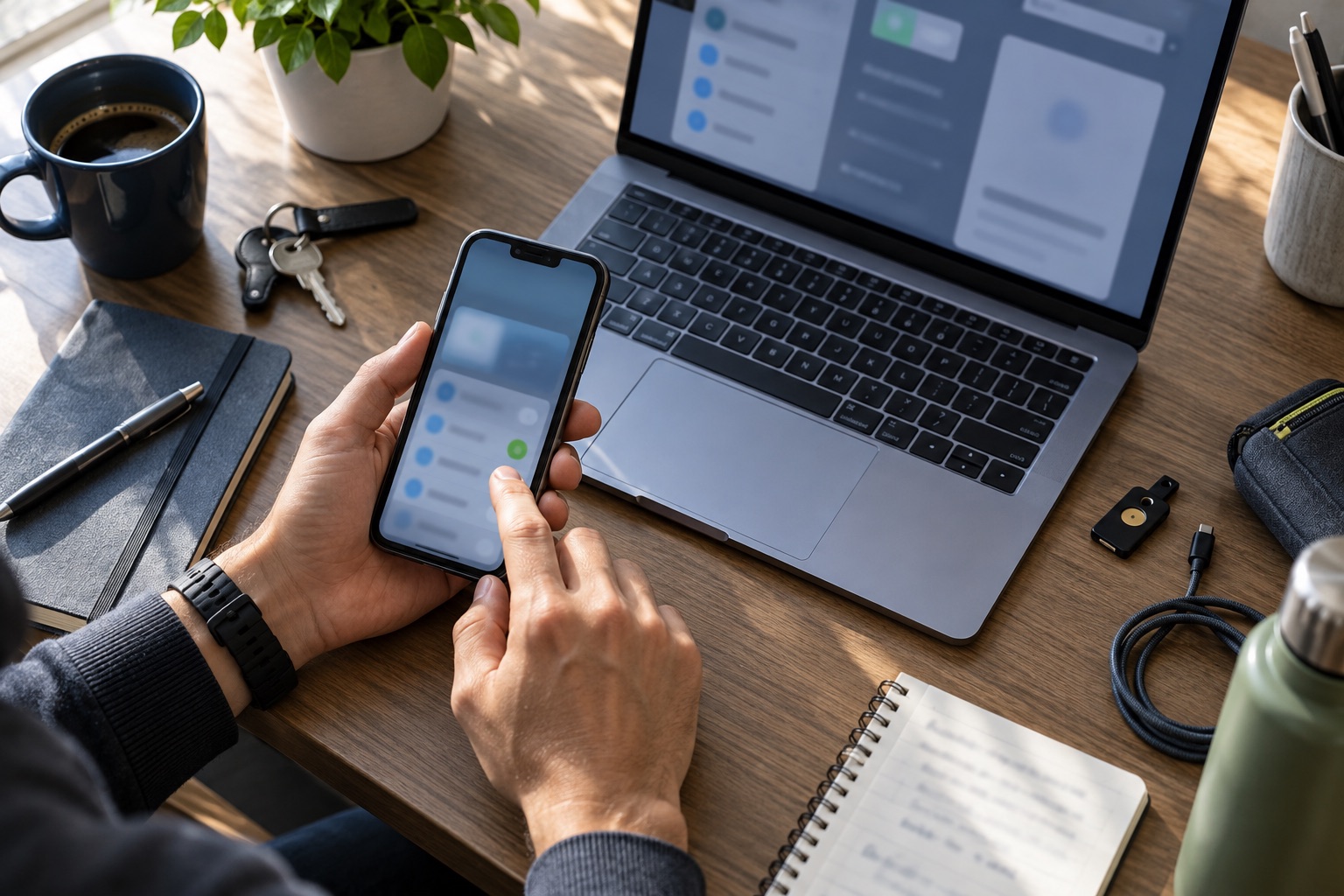
BYOD changes who owns the device, not the need for a clear policy
Bring your own device, or BYOD, means using a personally owned phone, tablet or computer for work. The organisation still needs to protect its systems and information, while you remain the owner of the hardware and the personal data already on it.
NIST describes BYOD as convenient for remote access but also identifies security and privacy risks for both the organisation and the device owner. Before accepting a personal-device requirement, ask whether it is mandatory, optional or limited to specific tasks.
Understand the level of device management
A work application may control only its own data, while mobile device management can enforce settings across a wider part of the device. Ask what the employer can view, configure, block or erase. Do not assume that a work-profile icon means personal information is completely invisible to an administrator.
The UK's National Cyber Security Centre distinguishes approaches such as managed applications, work containers and broader device management. Its guidance is written for organisations, but candidates can use the same categories to request an accurate explanation of the control being installed.
- Can the organisation see installed apps, device location or personal files?
- Can it enforce a passcode, encryption, updates or screen-lock settings?
- Can it remotely erase only work data, or the entire device?
- What happens if the phone or laptop is lost, repaired or replaced?
Keep work data and personal accounts separated
Use the approved work profile, managed application, browser profile or virtual desktop instead of copying files into a personal cloud account. Keep work passwords out of shared family browsers and do not let another person use an unlocked device that can access company systems.
Confirm whether copy-and-paste, downloads, backups, screenshots and printing are allowed. Separation protects the employer's information, but it also makes offboarding cleaner because work access can be revoked without searching through personal storage.
Agree support, costs and exit steps before enrolment
Ask who pays for required software, mobile data, repairs and replacement when the device is needed for work. Clarify the minimum supported operating system and whether the company provides an alternative when your device is incompatible or unavailable.
Offboarding should explain how work applications, certificates and accounts are removed, which records the employer retains and how you confirm that personal material was not deleted. Save that policy before handing a personal device to support staff or granting remote-management access.
Use this personal-device checklist
- Confirm whether BYOD is required, optional or limited to certain tasks.
- Ask what the management tool can view, change, restrict and erase.
- Use a separate work profile or managed application where available.
- Enable device encryption, a strong screen lock, updates and approved multi-factor authentication.
- Keep work data out of personal backups, messaging apps and cloud storage unless policy permits it.
- Agree responsibility for software, connectivity, repair, support and replacement costs.
- Get the loss, remote-wipe and offboarding process in writing.
Build clearer remote-work habits →Browse current checked roles →
Follow RemoRoute
Choose the updates that suit you.
Use Telegram for fast role updates and LinkedIn for research, practical articles and selected opportunities.