
AI & HIRING
AI video interviews: a candidate privacy and fairness checklist
An automated or recorded interview can be convenient, but convenience does not remove the need to understand what is collected, how it is assessed and whether a person can review the outcome.
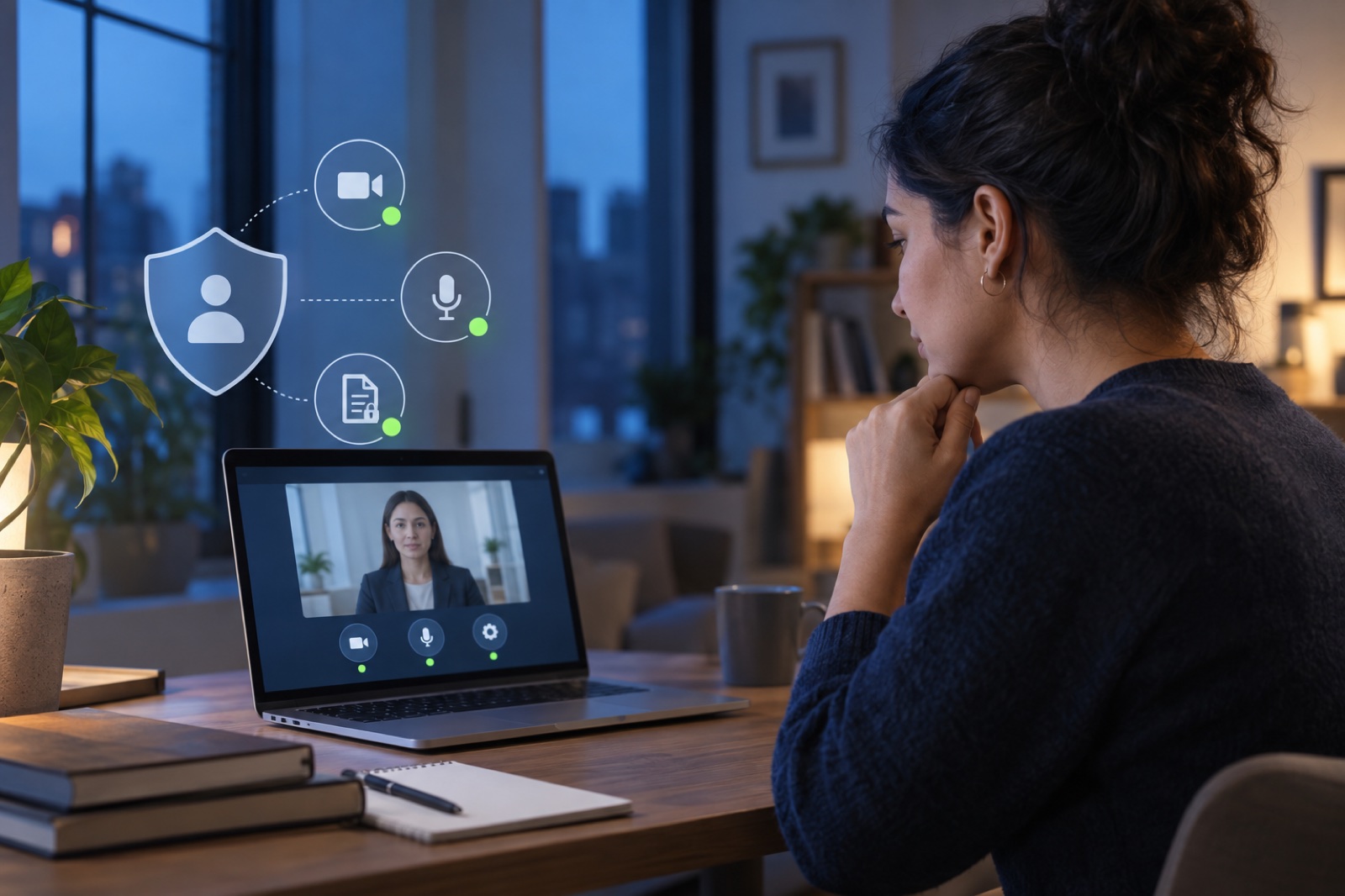
Identify what kind of interview you are taking
The label 'AI interview' can describe very different systems. One tool may simply record answers for a recruiter to watch later. Another may transcribe speech, score responses, rank applicants or combine several signals into a recommendation. Those differences matter because they change what data is created and how much influence automation has on the decision.
Before starting, read the invitation, privacy notice and consent screen. Look for the organisation responsible for the process, the technology provider, the types of information collected and whether the result is used to assist a person or make a decision without human involvement. Save a copy or screenshot of the notice if the platform does not provide one afterwards.
Ask five privacy questions before you record
A vague statement that data is used to improve services does not answer these questions. The ICO's audit of AI recruitment tools found areas where candidate information was processed without sufficient transparency and where some features created discrimination risks. Candidates should be given information specific enough to understand the real processing, not only a general technology label.
- Will the platform store video, audio, a transcript, technical device data or inferred scores?
- Who can access the recording and is it shared with another service provider?
- How long will each type of data be retained and how can you request deletion?
- Is the system analysing only the content of answers, or also voice, face, behaviour or other characteristics?
- Will a person review the assessment before it affects the application?
Separate automated assistance from an automated decision
A recruiter using a transcript or summary is different from a system automatically rejecting an application. The UK's ICO explains that people may have rights relating to significant decisions made solely by automated processing, including routes to understand the decision, request human involvement and challenge an outcome. The exact legal rights depend on the candidate's location and the law that applies, so treat this as a question to raise rather than a universal legal conclusion.
If the platform does not explain whether a human is involved, ask the recruiter. A useful answer should identify where automation is used and who is accountable for the final selection decision.
Request an accessible alternative when you need one
Timed video, speech analysis, eye contact expectations, keyboard interaction and unfamiliar interfaces can create barriers that are unrelated to a person's ability to do the job. If a disability, health condition, connectivity limitation or assistive-technology need affects the format, contact the employer before beginning and ask for a reasonable alternative or adjustment.
Do not wait until a one-time link is about to expire. Keep the request factual: describe the part of the format that creates a barrier and the alternative that would let you demonstrate the same role-related skills.
Prepare the environment without performing for the algorithm
Use a stable connection where possible, test audio and camera permissions, close private documents and notifications, and keep sensitive information outside the camera frame. Answer the role-related question clearly and honestly. There is no reliable universal trick for pleasing an unknown scoring model, and trying to manufacture facial expressions or keywords can make the answer less natural.
After submission, keep the job description, invitation and confirmation. If the outcome appears inconsistent or the process was not described accurately, those records will help you ask a precise question about human review or data handling.
Review practical remote communication habits →See how RemoRoute limits candidate-data collection →Browse checked remote opportunities →
Follow RemoRoute
Choose the updates that suit you.
Use Telegram for fast role updates and LinkedIn for research, practical articles and selected opportunities.